
 Получите свидетельство
 Вход
Вход



Excel 2010 Terminology
Lesson 1
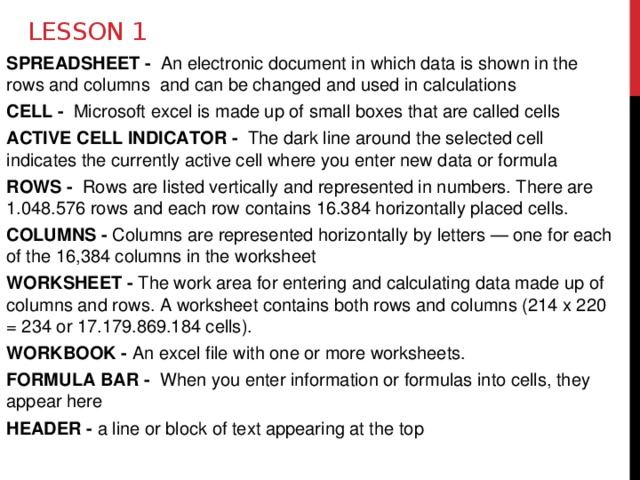
SPREADSHEET - An electronic document in which data is shown in the rows and columns and can be changed and used in calculations
CELL - Microsoft excel is made up of small boxes that are called cells
ACTIVE CELL INDICATOR - The dark line around the selected cell indicates the currently active cell where you enter new data or formula
ROWS - Rows are listed vertically and represented in numbers. There are 1.048.576 rows and each row contains 16.384 horizontally placed cells.
COLUMNS - Columns are represented horizontally by letters — one for each of the 16,384 columns in the worksheet
WORKSHEET - The work area for entering and calculating data made up of columns and rows. A worksheet contains both rows and columns (214 x 220 = 234 or 17.179.869.184 cells).
WORKBOOK - An excel file with one or more worksheets.
FORMULA BAR - When you enter information or formulas into cells, they appear here
HEADER - a line or block of text appearing at the top
Lesson 1
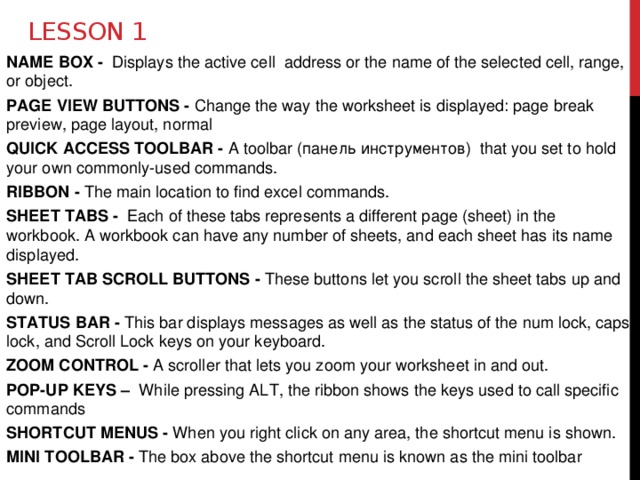
NAME BOX - Displays the active cell address or the name of the selected cell, range, or object.
PAGE VIEW BUTTONS - Change the way the worksheet is displayed: page break preview, page layout, normal
QUICK ACCESS TOOLBAR - A toolbar (панель инструментов) that you set to hold your own commonly-used commands.
RIBBON - The main location to find excel commands.
SHEET TABS - Each of these tabs represents a different page (sheet) in the workbook. A workbook can have any number of sheets, and each sheet has its name displayed.
SHEET TAB SCROLL BUTTONS - These buttons let you scroll the sheet tabs up and down.
STATUS BAR - This bar displays messages as well as the status of the num lock, caps lock, and Scroll Lock keys on your keyboard.
ZOOM CONTROL - A scroller that lets you zoom your worksheet in and out.
POP-UP KEYS – While pressing ALT, the ribbon shows the keys used to call specific commands
SHORTCUT MENUS - When you right click on any area, the shortcut menu is shown.
MINI TOOLBAR - The box above the shortcut menu is known as the mini toolbar
Lesson 2
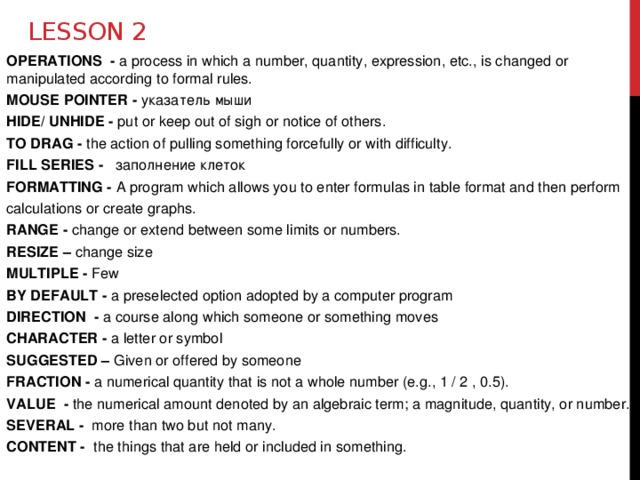
OPERATIONS - a process in which a number, quantity, expression, etc., is changed or manipulated according to formal rules.
MOUSE POINTER - указатель мыши
HIDE/ UNHIDE - put or keep out of sigh or notice of others.
TO DRAG - the action of pulling something forcefully or with difficulty.
FILL SERIES - заполнениe клеток
FORMATTING - A program which allows you to enter formulas in table format and then perform
calculations or create graphs.
RANGE - change or extend between some limits or numbers.
RESIZE – change size
MULTIPLE - Few
BY DEFAULT - a preselected option adopted by a computer program
DIRECTION - a course along which someone or something moves
CHARACTER - a letter or symbol
SUGGESTED – Given or offered by someone
FRACTION - a numerical quantity that is not a whole number (e.g., 1 / 2 , 0.5).
VALUE - the numerical amount denoted by an algebraic term; a magnitude, quantity, or number.
SEVERAL - more than two but not many.
CONTENT - the things that are held or included in something.
Lesson 3
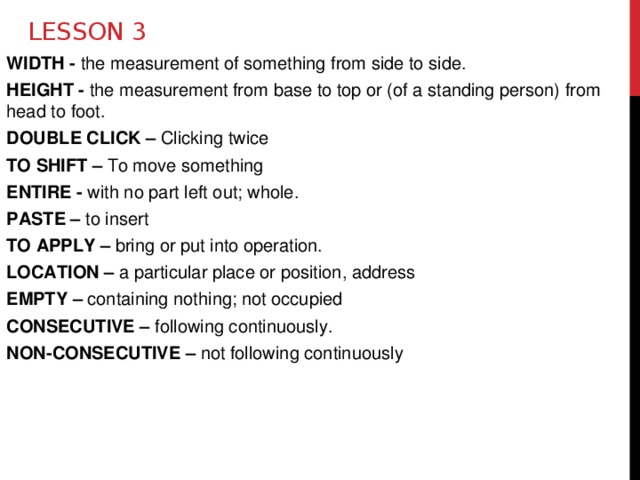
WIDTH - the measurement of something from side to side.
HEIGHT - the measurement from base to top or (of a standing person) from head to foot.
DOUBLE CLICK – Clicking twice
TO SHIFT – To move something
ENTIRE - with no part left out; whole.
PASTE – to insert
TO APPLY – bring or put into operation.
LOCATION – a particular place or position, address
EMPTY – containing nothing; not occupied
CONSECUTIVE – following continuously.
NON-CONSECUTIVE – not following continuously
Lesson 4
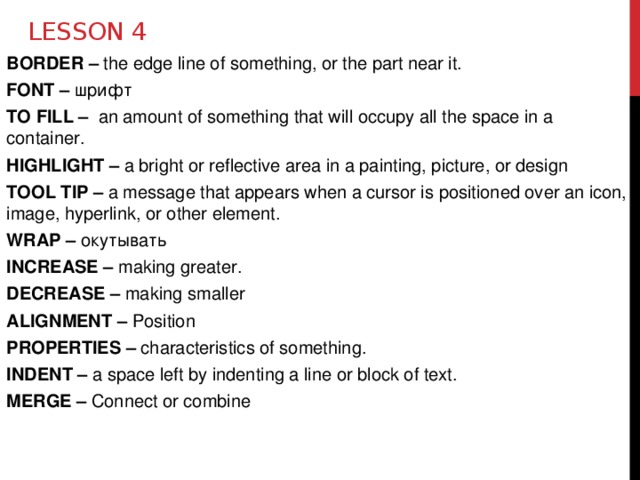
BORDER – the edge line of something, or the part near it.
FONT – шрифт
TO FILL – an amount of something that will occupy all the space in a container.
HIGHLIGHT – a bright or reflective area in a painting, picture, or design
TOOL TIP – a message that appears when a cursor is positioned over an icon, image, hyperlink, or other element.
WRAP – окутывать
INCREASE – making greater.
DECREASE – making smaller
ALIGNMENT – Position
PROPERTIES – characteristics of something.
INDENT – a space left by indenting a line or block of text.
MERGE – Connect or combine
Lesson 4
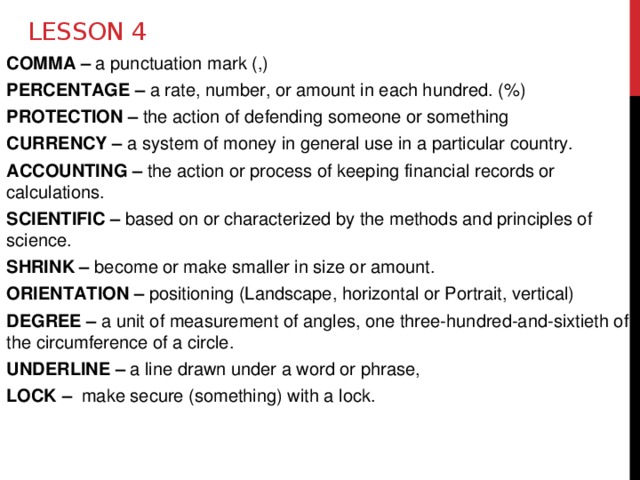
COMMA – a punctuation mark (,)
PERCENTAGE – a rate, number, or amount in each hundred. (%)
PROTECTION – the action of defending someone or something
CURRENCY – a system of money in general use in a particular country.
ACCOUNTING – the action or process of keeping financial records or calculations.
SCIENTIFIC – based on or characterized by the methods and principles of science.
SHRINK – become or make smaller in size or amount.
ORIENTATION – positioning (Landscape, horizontal or Portrait, vertical)
DEGREE – a unit of measurement of angles, one three-hundred-and-sixtieth of the circumference of a circle.
UNDERLINE – a line drawn under a word or phrase,
LOCK – make secure (something) with a lock.
Lesson 5
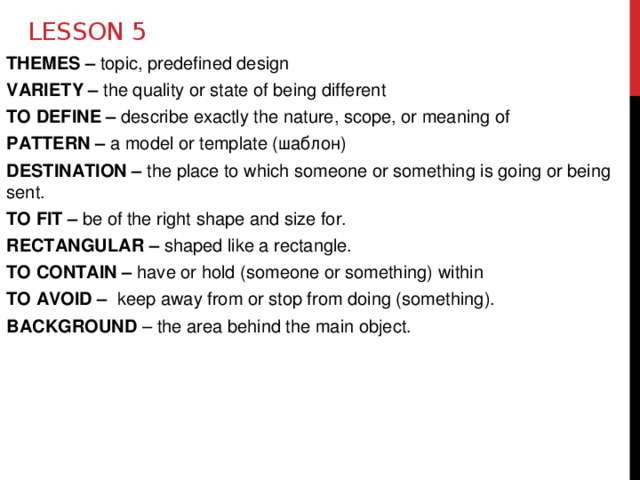
THEMES – topic, predefined design
VARIETY – the quality or state of being different
TO DEFINE – describe exactly the nature, scope, or meaning of
PATTERN – a model or template (шаблон)
DESTINATION – the place to which someone or something is going or being sent.
TO FIT – be of the right shape and size for.
RECTANGULAR – shaped like a rectangle.
TO CONTAIN – have or hold (someone or something) within
TO AVOID – keep away from or stop from doing (something).
BACKGROUND – the area behind the main object.
Lesson 6
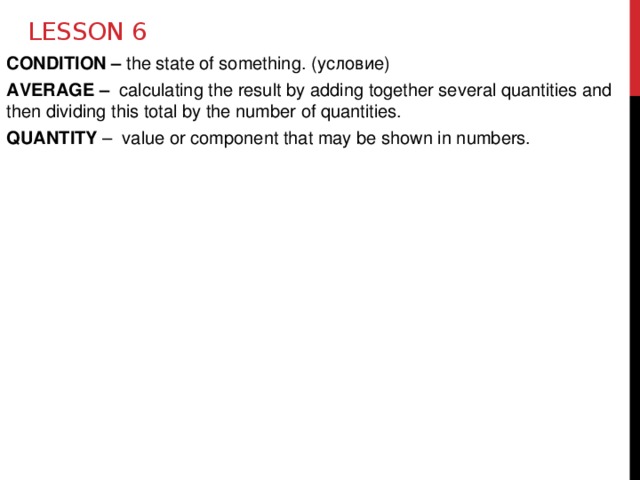
CONDITION – the state of something. (условие)
AVERAGE – calculating the result by adding together several quantities and then dividing this total by the number of quantities.
QUANTITY – value or component that may be shown in numbers.
Lesson 7
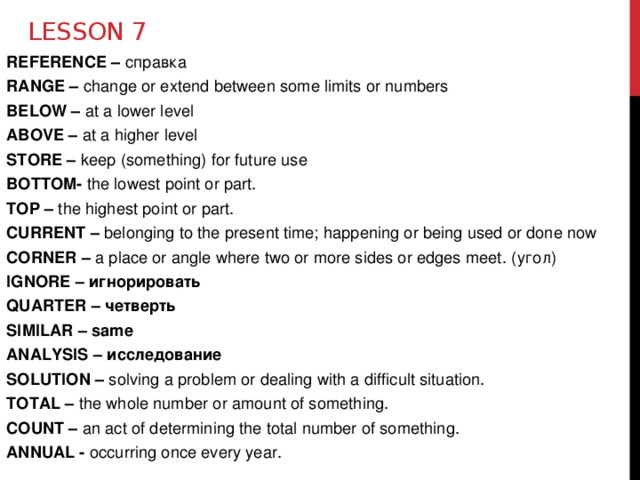
REFERENCE – справка
RANGE – change or extend between some limits or numbers
BELOW – at a lower level
ABOVE – at a higher level
STORE – keep (something) for future use
BOTTOM- the lowest point or part.
TOP – the highest point or part.
CURRENT – belonging to the present time; happening or being used or done now
CORNER – a place or angle where two or more sides or edges meet. (угол)
IGNORE – игнорировать
QUARTER – четверть
SIMILAR – same
ANALYSIS – исследование
SOLUTION – solving a problem or dealing with a difficult situation.
TOTAL – the whole number or amount of something.
COUNT – an act of determining the total number of something.
ANNUAL - occurring once every year.


 Терминология по программе Excel (68.02 KB)
 0
0 430
430 3
3 Нравится
0
Нравится
0


